Overview
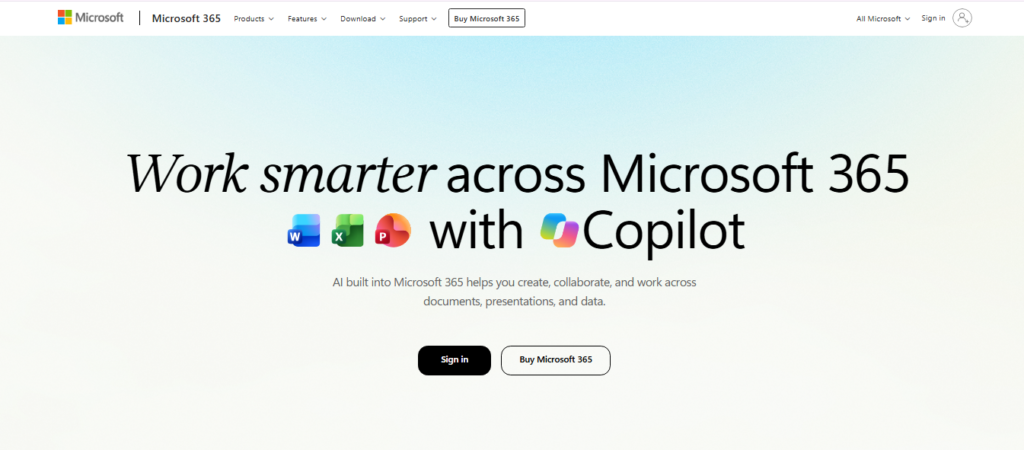
Microsoft 365 Copilot is Microsoft’s AI assistant for productivity, creativity, and work-related tasks. It is available through the Microsoft Copilot app and can work with web information as well as Microsoft 365 work content, depending on the user’s account and license. Microsoft currently describes Copilot as working across applications including Word, Excel, PowerPoint, Outlook, and Teams.
I tested Microsoft 365 Copilot through its main app workflow and explored both web and work modes. In web mode, I used Copilot for general creative and research-oriented tasks, including examples such as creating written content and developing ideas from information available on the internet. The workflow also demonstrated how Copilot can assist with tasks such as coding a website and creating personalized written content.
I also tested the work-focused experience. In this mode, Copilot can work with organizational content and context to help users catch up on work, identify action items, and find specific information inside large documents. The testing workflow included examples such as asking Copilot to identify action items after an extended absence and finding deadlines mentioned in a document.
What stood out to me was the distinction between web-grounded and work-grounded assistance. Microsoft explains that Work IQ can ground Copilot responses in organizational information such as documents and emails, while web mode uses public web information.
Microsoft also emphasizes enterprise security, privacy, and compliance protections. The exact capabilities available to a user depend on their Microsoft 365 subscription and Copilot licensing.
Pricing & Plans
Microsoft 365 Copilot Business is currently listed from $18/user/month paid yearly in an official promotional price, while Microsoft 365 Business Standard with Copilot is listed at $23.50/user/month paid yearly. Pricing and eligibility vary by plan and offer.
Key Features
- Word Assistance
Draft, rewrite and summarize documents with natural-language prompts
- Excel Analysis
Work with formulas, data analysis and trends using plain-language requests
- PowerPoint Creation
Generate presentation content from source material
- Outlook Assistance
Summarize email threads and help draft responses or follow-ups
- Teams Support
Assist with meeting notes, action points and collaboration
- Work Context
Use relevant Microsoft 365 work data to tailor assistance
Popular Use Cases
- Document Drafting
Create or refine business proposals and other workplace documents
- Data Analysis
Ask questions about spreadsheet data and trends
- Presentation Creation
Turn reports or source documents into presentation material
- Email Triage
Summarize long threads and prepare response drafts
- Meeting Follow-up
Capture or organize meeting notes and action items
Best For
- Business Professionals
- Microsoft 365 Users
- Analysts
- Managers
- Enterprise Teams
What to Verify Before Choosing
- Check the exact Microsoft 365 license required for Copilot
- Verify current regional pricing and promotional offers
- Confirm which apps and Copilot features are included in your plan
- Review how work-data access and organizational permissions are configured
- Check whether mobile and desktop capabilities match your workflow
Frequently Asked Questions
What is Microsoft 365 Copilot?
It is an AI assistant integrated into Microsoft 365 that helps with documents, spreadsheets, presentations, email and meetings.
Is Microsoft 365 Copilot free?
Copilot availability depends on the Microsoft 365 plan; eligible plans can include Copilot Chat at no additional cost, while licensed Copilot features require the applicable license.
How much does Microsoft 365 Copilot cost?
Current official pricing varies by plan, with business Copilot options and bundled Microsoft 365 plans carrying different prices.
What can I use Microsoft 365 Copilot for?
It can help draft documents and emails, analyze spreadsheet data, create presentations and support meeting workflows.
Who is Microsoft 365 Copilot best for?
It is especially useful for people and organizations already working heavily in Microsoft 365.