Overview
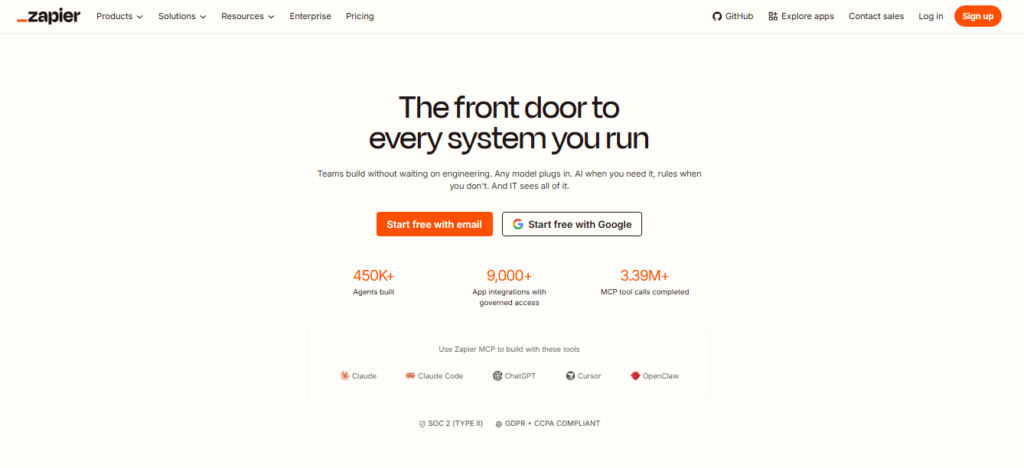
Zapier is a no-code automation platform that connects applications and services so users can automate repetitive tasks without building integrations from scratch. Its core workflows, called Zaps, use triggers and actions to move information between connected apps. Zapier currently supports more than 9,000 app integrations and has expanded into AI-powered automation, Tables, Forms, Interfaces, Agents, Chatbots, Canvas, MCP, and developer tools.
I tested the basic Zapier workflow-building process described in the tutorial, including the dashboard and its main navigation areas. The hands-on workflow demonstrated how a Gmail event can be used as a trigger and how Zapier can then send a direct message through Slack. This provided a practical example of connecting two separate applications through a trigger-and-action automation.
The testing also explored the broader workflow structure and advanced options. Zapier allows additional steps to be added for tasks such as filtering, formatting, and logic, making a simple two-app automation expandable into a more complex workflow. Zapier’s current documentation confirms that Zaps consist of triggers followed by one or more actions, with additional workflow tools such as filters, paths, loops, webhooks, and scheduling.
Zapier is useful for businesses, marketers, operations teams, freelancers, sales teams, and individuals who repeatedly move information between different applications. Common examples include lead routing, order notifications, customer follow-ups, data synchronization, and internal notifications.
Since the original walkthrough, Zapier has expanded its platform considerably. Current plans include Zaps, Tables, and Forms, while Zapier also provides AI-powered features, Agents, Chatbots, Canvas, MCP, and SDK capabilities. These newer products should be evaluated separately from the specific workflow demonstrated in the hands-on test.
Pricing & Plans
Zapier has a Free plan with 100 tasks/month and two-step Zaps. Professional starts at $19.99/month, Team at $69/month, and Enterprise is custom. Paid usage follows task-based pricing and plan limits.
Key Features
- Trigger-and-Action Workflows
Connect events in one app to actions in another
- Multi-Step Zaps
Build workflows with multiple actions and logic
- AI Automation
Add AI steps for summarization, classification and decisions
- App Integrations
Connect workflows across 9,000+ applications
- Tables and Forms
Store structured data and collect information within Zapier
- Webhooks and APIs
Connect services through webhooks and developer capabilities
Popular Use Cases
- Lead Routing
Send new leads from advertising or forms into CRM systems
- Email Notifications
Turn incoming messages or events into team alerts
- Order Automation
Notify teams or update systems when ecommerce orders occur
- File Management
Move, organize or process files between connected apps
- AI Content Processing
Summarize, classify or draft content inside workflows
Best For
- Small Businesses
- Operations Teams
- Marketers
- Sales Teams
- No-Code Automation Users
What to Verify Before Choosing
- Check current task limits and task consumption for your workflows
- Verify whether required apps are included in your plan
- Review polling intervals and trigger timing
- Confirm AI and premium-app availability on the selected tier
- Check whether pay-as-you-go behavior is enabled for the account
Frequently Asked Questions
What is Zapier?
Zapier is an automation platform that connects apps and processes through trigger-and-action workflows.
Is Zapier free?
Yes. Zapier offers a Free plan with 100 tasks per month and two-step workflows.
How much does Zapier cost?
Professional currently starts at $19.99/month, Team at $69/month and Enterprise uses custom pricing.
What did the supplied tutorial demonstrate?
It demonstrated a Gmail trigger that sends a direct message through Slack and discussed several business and personal automation examples.
Who is Zapier best for?
It is well suited to businesses and individuals who want to automate app-to-app workflows without extensive coding.